Help & support
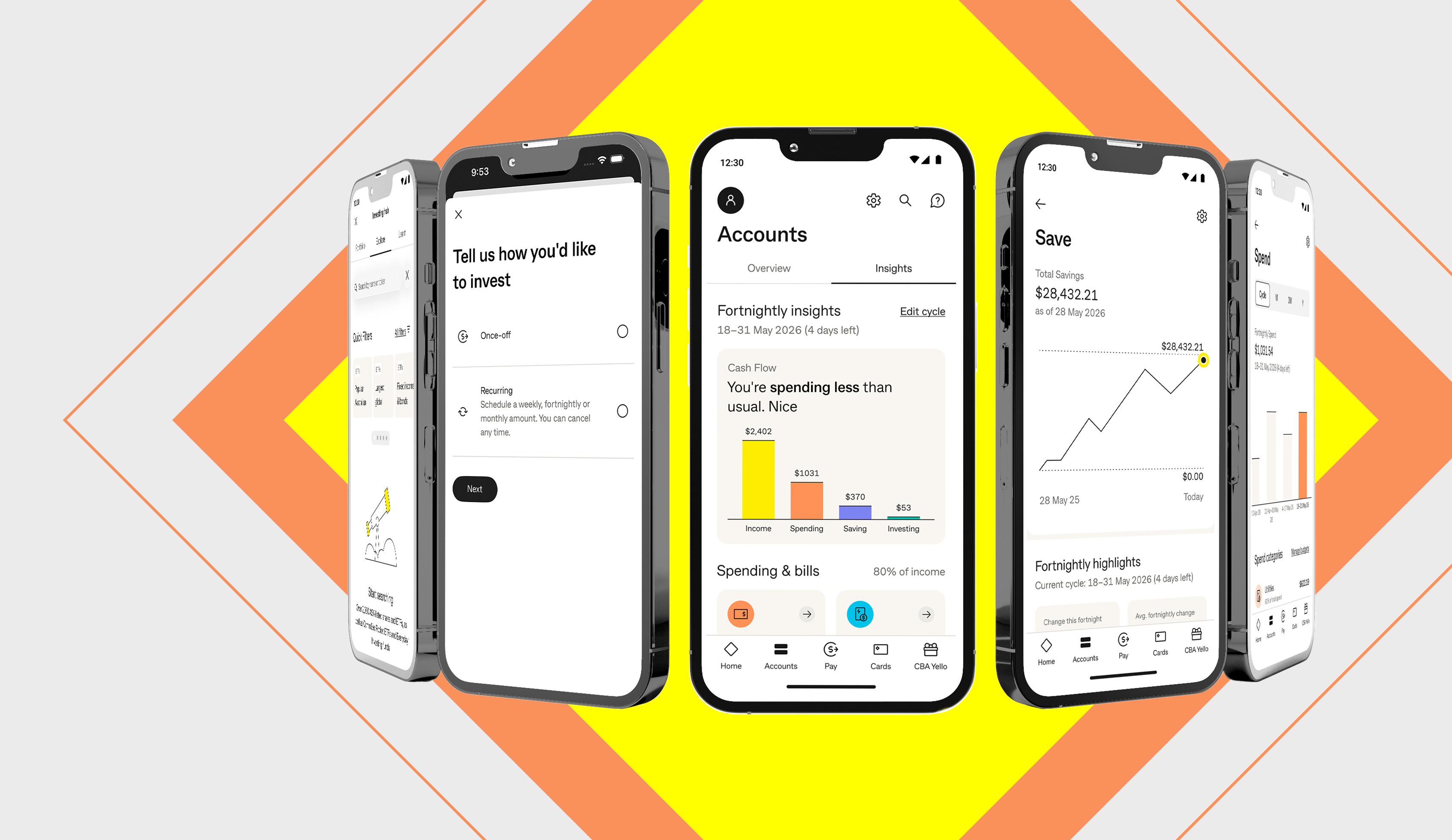
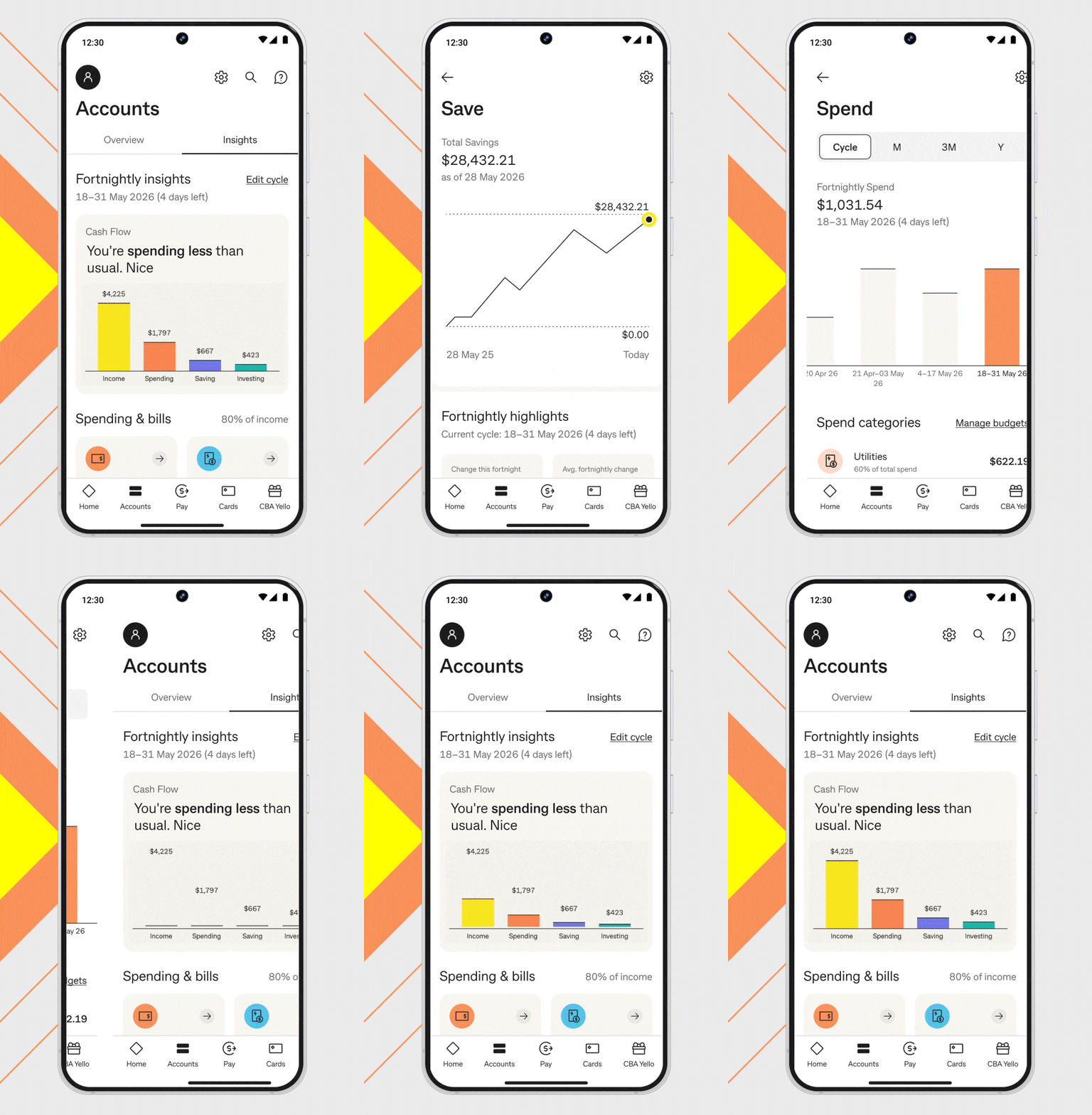
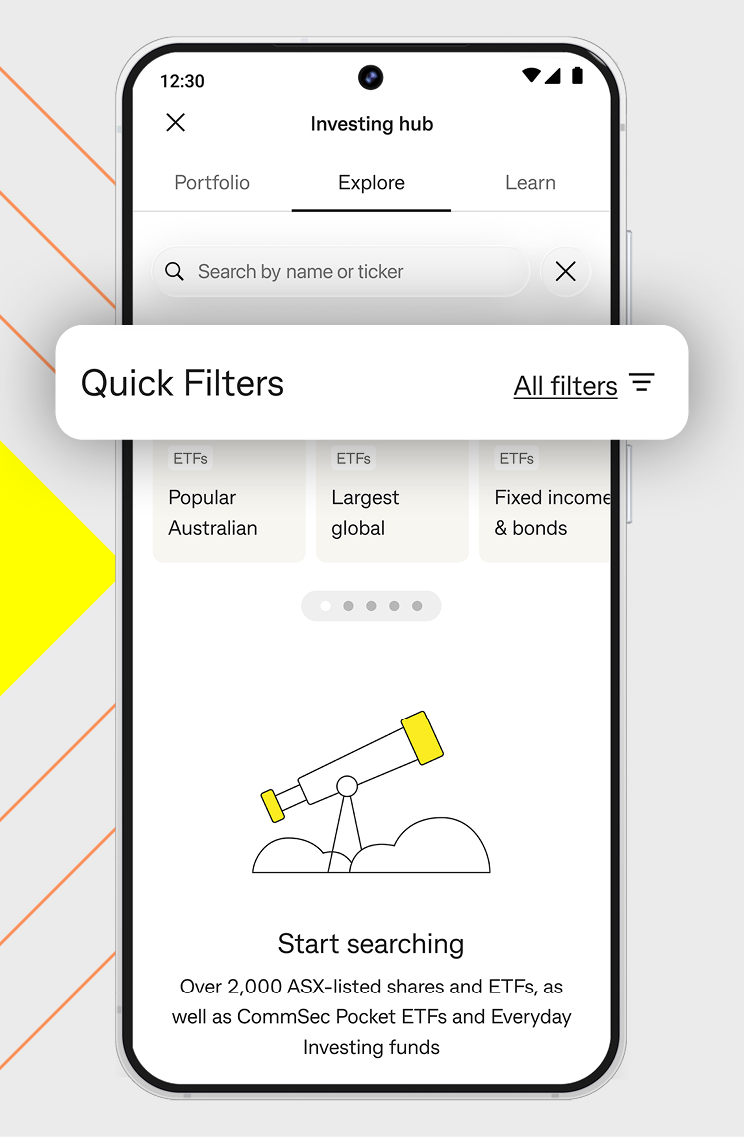
We’ve made it even easier to see where your money is going and how it’s growing, all from one place in the CommBank app.
You’ll be able to:
Search Insights in the CommBank app or click the button below to explore more.
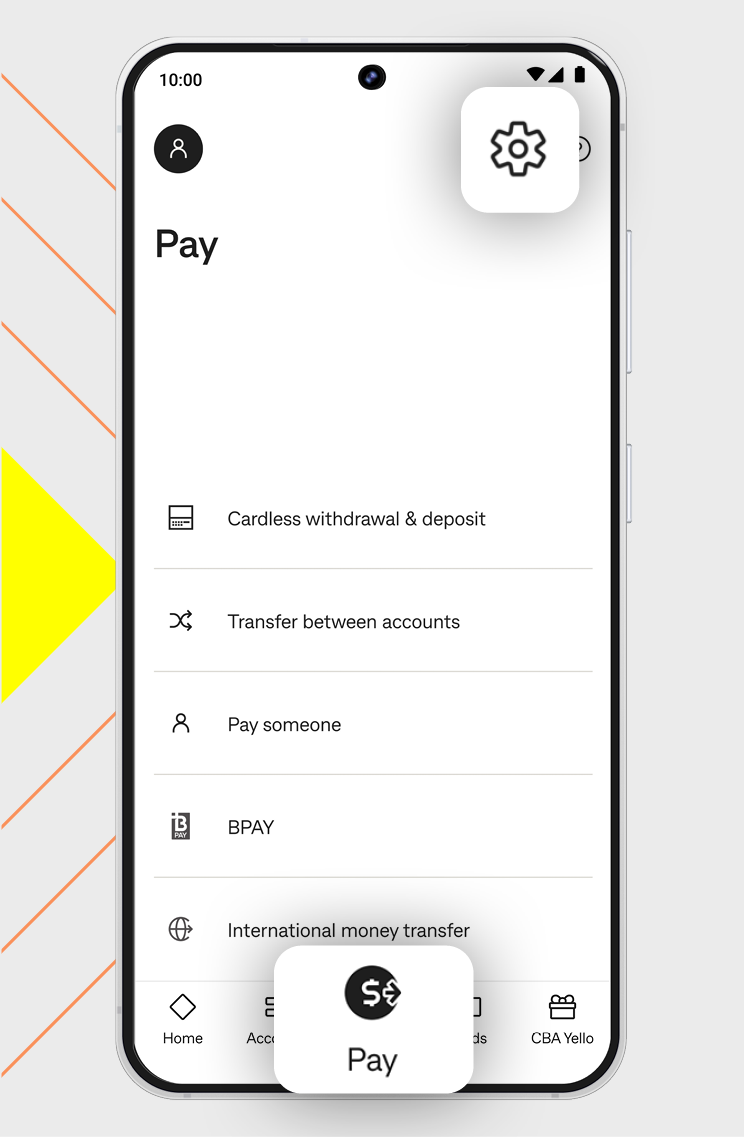
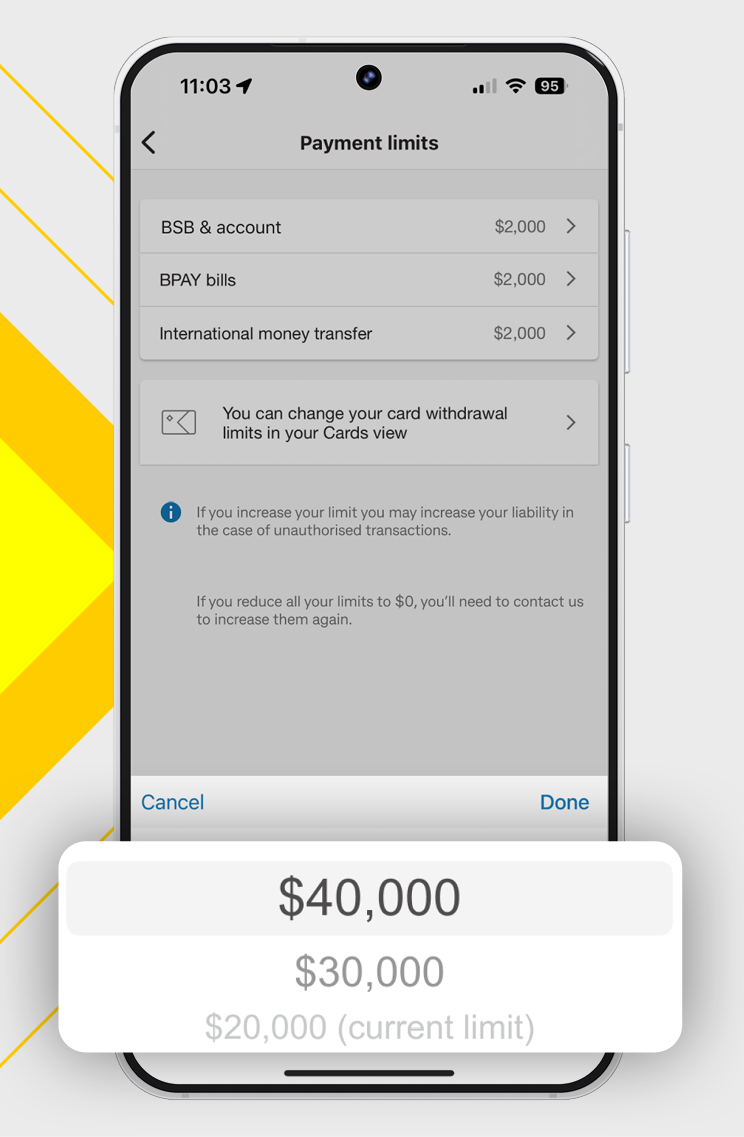
We've introduced a shortcut to payment settings, making it quicker to access and manage your payment limits, preferences and controls from one place.
You can quickly access:
Easily access payment settings from the Pay tab in the bottom navigation of your CommBank app (look for the little settings cog in the top right corner).
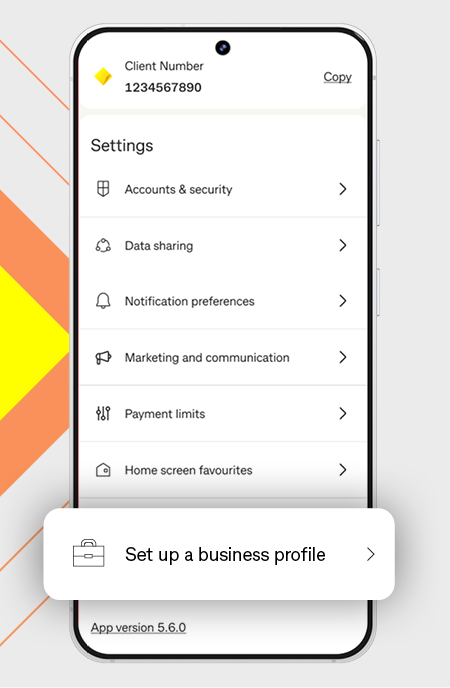
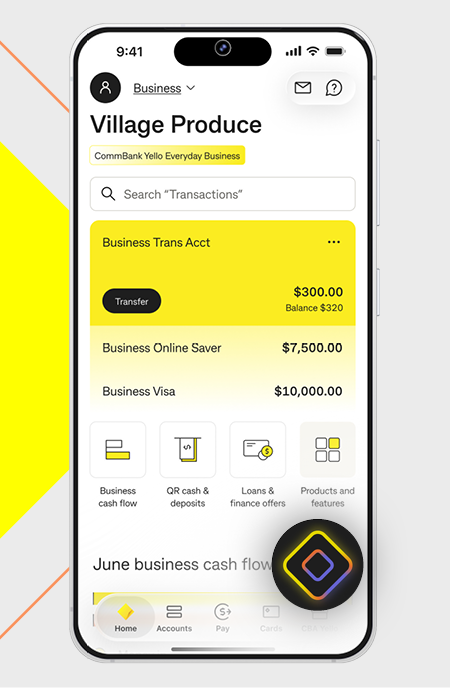
Your business profile in the CommBank app gives you a clear and dedicated view of your business banking. Simply tap Personal or Business at the top of your CommBank app ‘Home’ screen to switch between profiles. Here are some great new features now available for you and your business in the app.
CommBank Yello for Business rewards you for banking with us.1 Access great value benefits and offers to support your business.
In the app, switch to your business profile then select the CBA Yello icon.
Check back regularly to browse your latest offers.
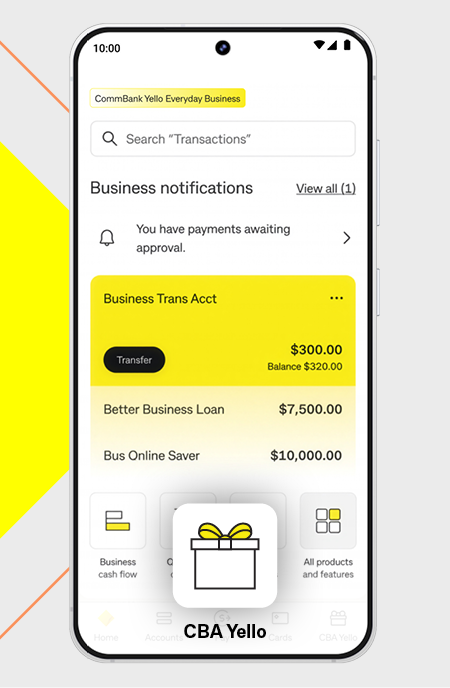
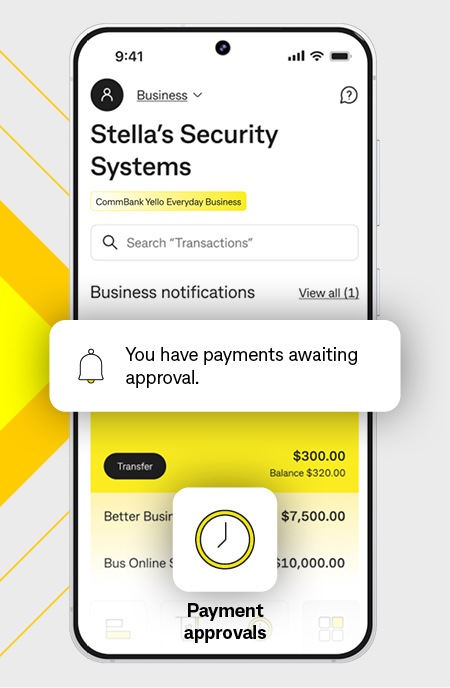
If your business uses two-to-sign approvals, eligible payments can now be reviewed and approved in the CommBank app.2 There’s no need for approvers to be in the same place.
You can:
Available now in the CommBank app. Not yet available in NetBank.
Learn about payment approvals in the CommBank app
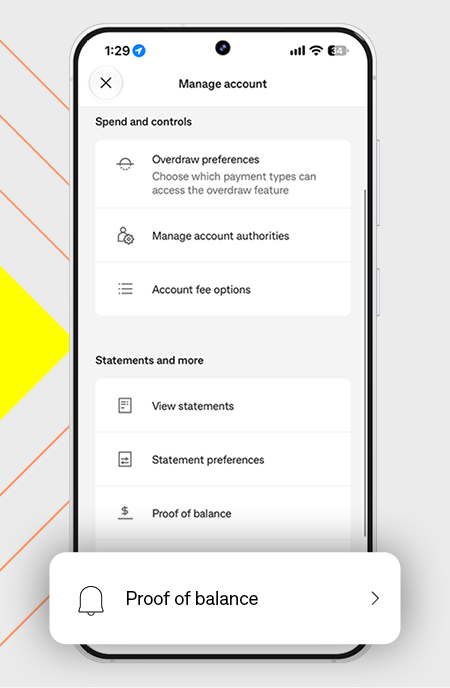
Generate a proof of balance document for your Business Transaction Account directly in the CommBank app.
Your document includes details such as your business name, ABN and account balance at the time it’s generated.
In the app, tap Business Transaction Account, Manage, then select Proof of balance.
Available now in the CommBank app. Not yet available in NetBank.
Already do your personal banking with us? You can explore business banking in the CommBank app before opening a business account.
Learn about the benefits of a business profile and explore products and services that could help you run your business.
Learn about Business banking in the CommBank app
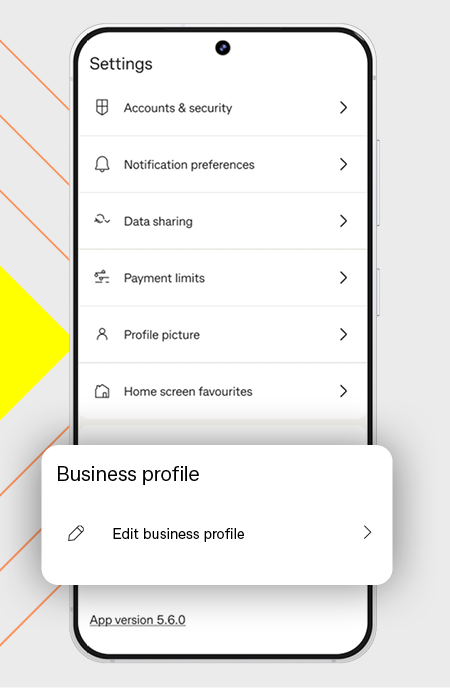
Rename your business profile in the CommBank app to make it easier to identify and switch between your business and personal profiles.
Changing your business profile name won’t affect your accounts, payments or PayID. It only changes how your profile is displayed in the app.
In the app, go to Settings, Edit business profile, then select Rename business profile.
CommBank Companion is a new AI-powered experience being tested with select business customers.
Simply ask a question about your cash flow and CommBank Companion can help you better understand what’s happening in your business, using your available CommBank business financial data.
In the app, switch to your business profile, then tap on the Companion icon on the home screen to get started.
Learn about CommBank Companion - now in testing
Ceba can help you lock your card or securely connect you to a specialist in the CommBank app.
Fast-track your call, see expected wait times and connect with a specialist in the CommBank app.
Send us a copy or screenshot if you receive a hoax email or SMS.
The CommBank app is free to download, however your mobile network provider charges you for accessing data on your phone. Terms and conditions are available on the app. NetBank access with NetCode SMS is required. Find out about the minimum operating system requirements on the CommBank app page.
1 CommBank Yello for Business is available to business customers who meet certain eligibility criteria. Exclusions apply, and both the exclusion and eligibility criteria are subject to change. CommBank may review eligibility and participation based on factors it considers relevant and may update its criteria from time to time. For information on eligibility visit CommBank Yello for Business Terms and Conditions
2 Only payments to bank accounts are eligible for now. PayID and BPAY are currently not available for two-to-sign payments in the CommBank app.